Pet Photo Guide
Is the photo you love actually sharp enough to print? Zoom in on the eyes and you’ll know in two seconds.
The best photo for a custom pet print is sharp, taken in soft daylight, and shows your pet’s whole head up close with both eyes looking toward the camera. Upload the original file from your phone, one photo per pet. This GenzOutfit pet photo guide shows what prints well, what doesn’t, and how to take a better shot in a few minutes. Found a good one already? Shop pet face pajamas and upload it there.
What does a good pet photo for printing look like?
Open the photo and zoom in on your pet’s eyes before you upload it. If the eyes and the fur around them still look crisp, you’re most of the way there. Then check the rest of this list:
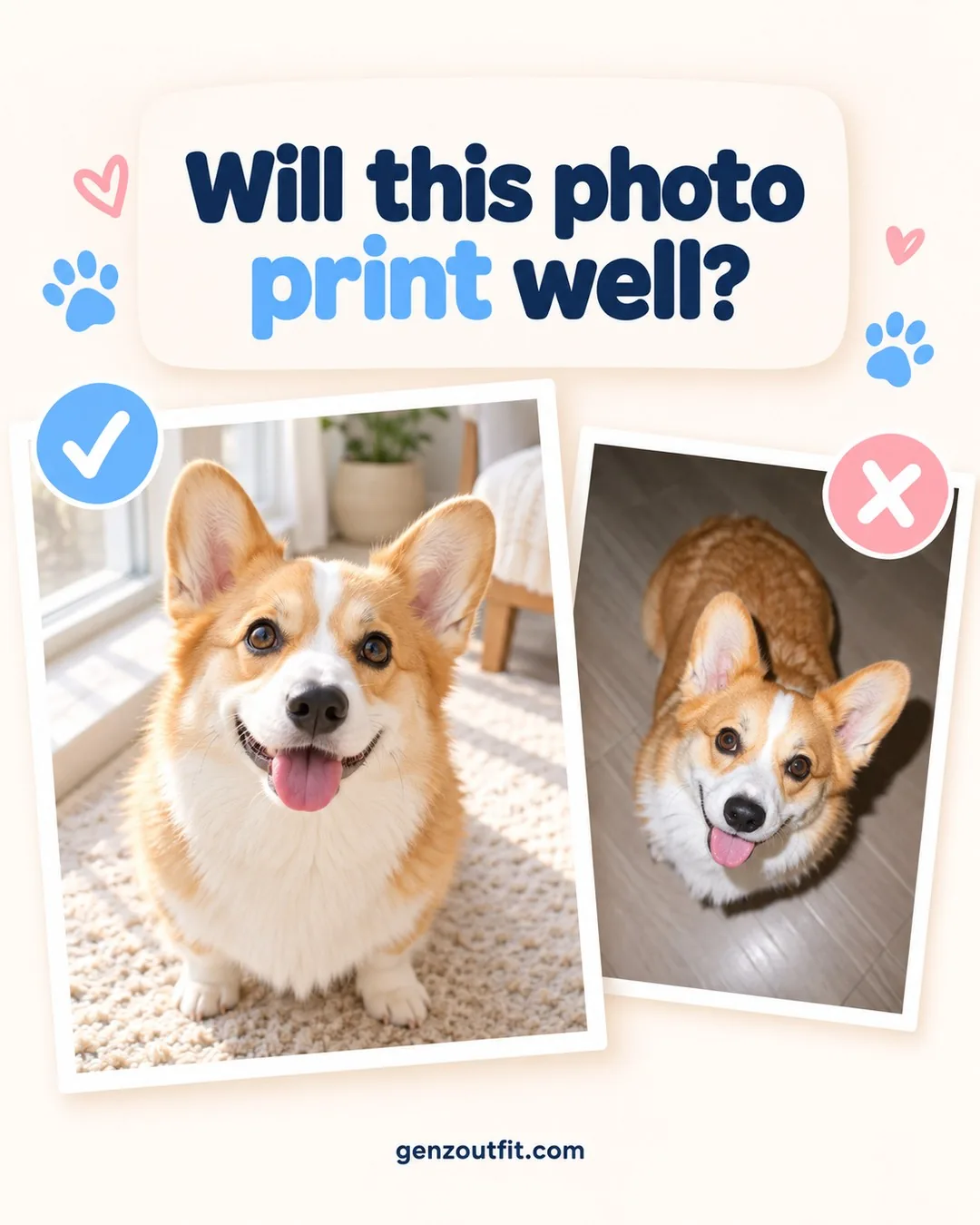
- Sharp where it counts. Eyes, nose and whiskers should be clear, not soft or smudged.
- Soft, even light. Daylight from a window or open shade works best. A dark room, a flash or a bright window behind your pet makes the face hard to read.
- The whole head in the frame. Both ears, the top of the head and the chin, with a little space around them. An ear that’s cut off in the photo stays cut off on the print.
- A clear view of the face. No hands, toys, leashes or other pets in front of it, and no stickers, text or filters on top.
- The original file. The photo your phone saved, not a screenshot or a copy sent through a chat app or saved from social media, which are usually smaller and blurrier.
Which photo problems are hard to fix after you upload?
Our team crops your photo and places your pet on the design, but we can’t add detail that isn’t in the picture. These are the problems we see most, and the quick fix for each one:
| Problem | What happens on the print | Quick fix |
|---|---|---|
| Blurry or out of focus | The eyes turn into dark spots and the fur looks smeared | Tap the eyes on your screen to focus, hold the phone steady and take a few shots |
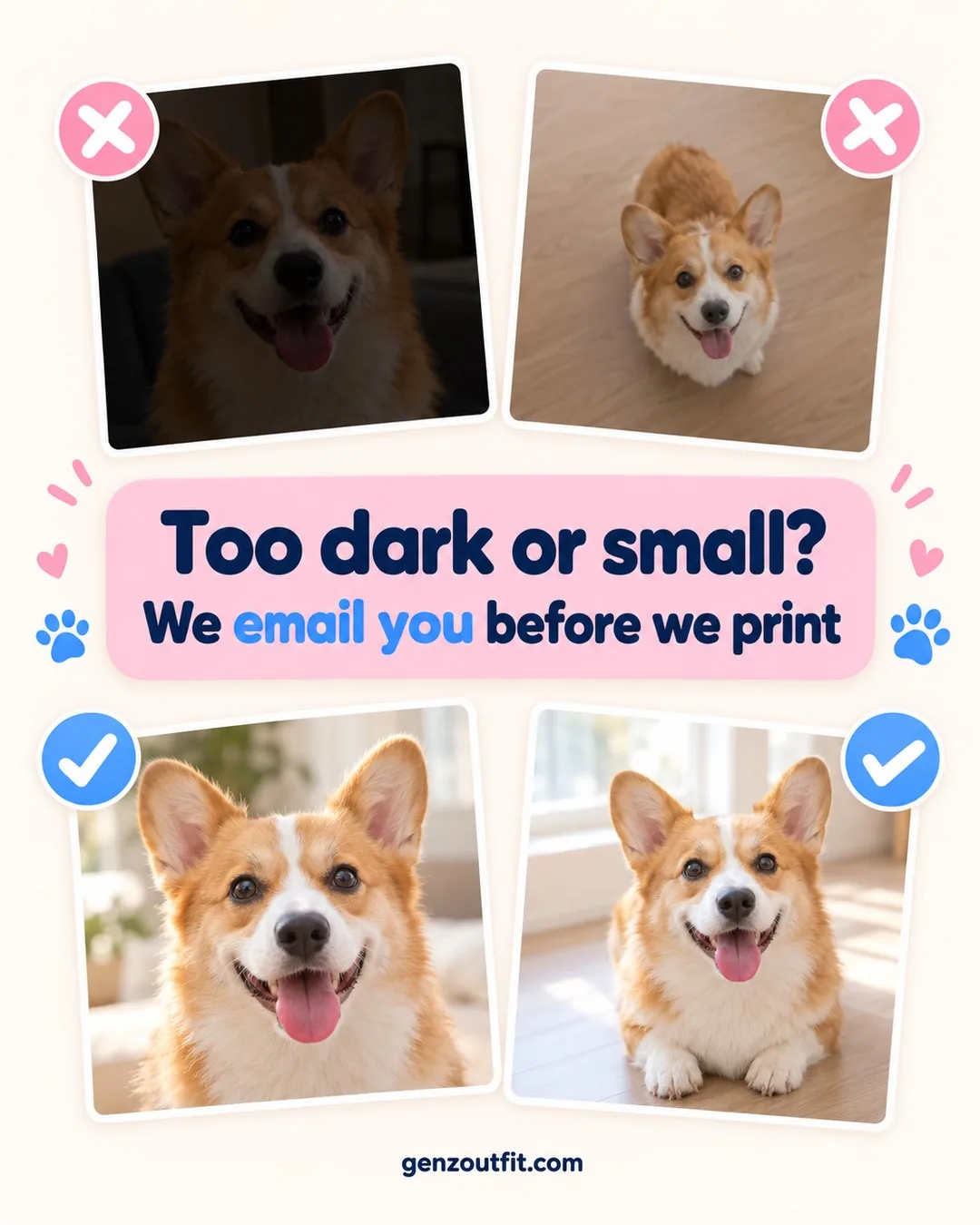
| Too dark | The face looks grainy and the outline gets lost | Move next to a window or step outside into open shade |
| Taken from far away | Too little detail once the head is cropped | Walk closer instead of zooming in |
| Ears or chin cut off | The missing part stays missing on a face design | Leave a small gap around the whole head |
| Something covering the face | The hand, toy or leash can’t be removed cleanly | Pick a shot where nothing is in front of your pet |
| Screenshot or forwarded copy | Lower resolution, so the print looks soft | Find the original in your camera roll or cloud backup |
If a photo is too blurry, dark or low-resolution to print well, we email you before production, so nothing is printed until you reply.
How do you take a better pet photo in five minutes?
You don’t need a good camera. A phone, a window and a treat are enough:
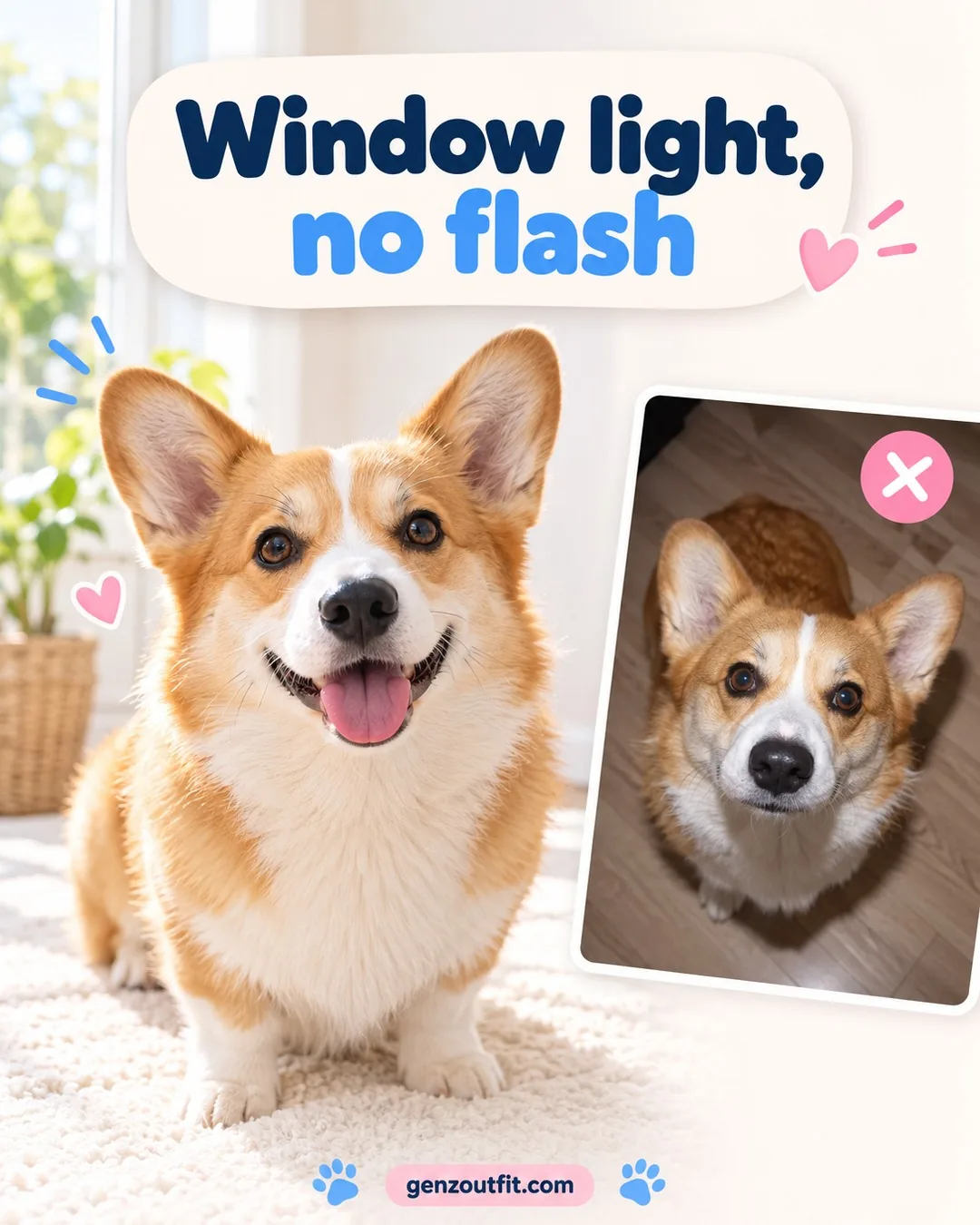
- Pick the light first. Sit your pet facing a window, or go outside into shade. Midday sun makes pets squint.
- Get down to their level. Hold the phone at the height of their eyes, so the face isn’t squashed from above.
- Move closer. Fill most of the screen with the head and keep a little space around the ears.
- Get their attention. Hold a treat or a squeaky toy just above the phone, or say their name once.
- Take a burst. Keep the sharpest shot. Skip portrait mode and filters, which can blur the ears and change the color of the fur.
For more ideas, like photographing a black dog or a cat who won’t sit still, read our guide on how to photograph pets indoors.
Does each product need a different photo?
The same rules apply everywhere, but the size of the print changes what matters most.
Pajamas, pajama pants and socks
On custom pet face pajamas and custom pet socks, your pet’s face is cut out and repeated in a small size. Sharp eyes and a clean outline matter more than a huge file.
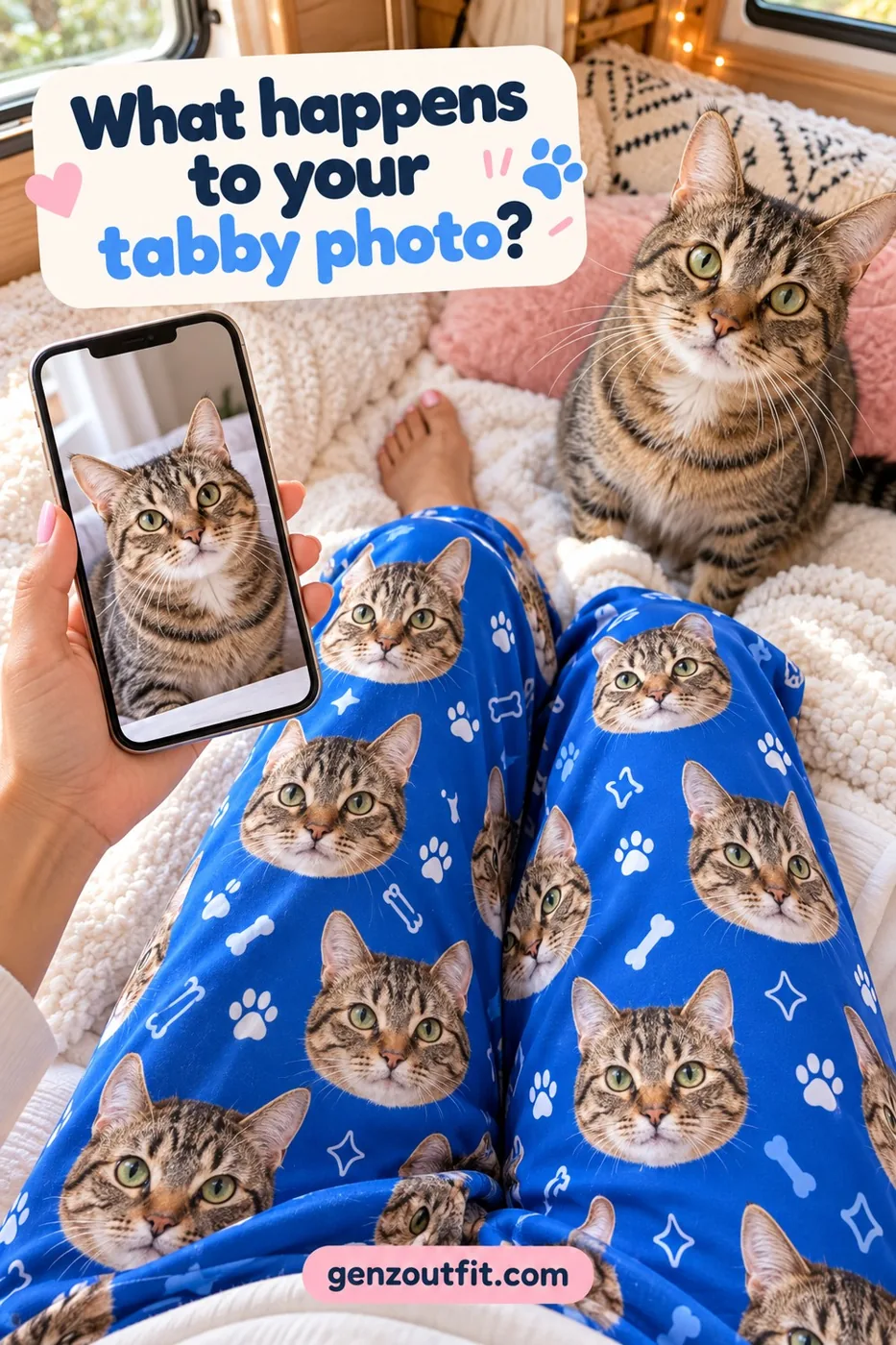
A pet that blends into the background, like a black dog on a dark couch, is harder to cut out cleanly, so choose a photo with some contrast behind them.
Photo blankets
A custom pet blanket can print one photo as large as 60″ x 80″, so grain and blur grow with it. Send the full-size original, and match its shape to the blanket: an upright photo suits a portrait blanket, and a wide shot suits a landscape one.
How do you send photos of more than one pet?
Choose the number of pets (up to 5) on the product page, and an upload box appears for each one. Upload one photo per pet, each one sharp and well lit. Photos taken in similar light look best together on the same design, so if you can, photograph your pets on the same day in the same spot.
Can you use an old photo or a photo of a pet who has passed?
Yes. Pick the sharpest photo where your pet’s eyes are clear, even if it isn’t the newest one. For a paper print, scan it, or photograph it from straight above next to a window so the glossy surface doesn’t catch a lamp’s glare.
Photos saved from social media or messages are usually compressed, so check a cloud backup or an old phone for the original. A design with small repeated faces is often kinder to an older photo than a large blanket print. Our pet memorial gifts include a blanket with room for your pet’s name and years.
Will the printed colors match your screen?
Very close, but not exactly. Your phone or laptop makes color out of light (RGB), while your pajamas, blanket or socks are printed with ink (CMYK). Ink can’t reach every shade a screen can glow, so the brightest colors, like neon green, electric blue, hot pink and vivid purple, print a little softer and deeper than they look online.
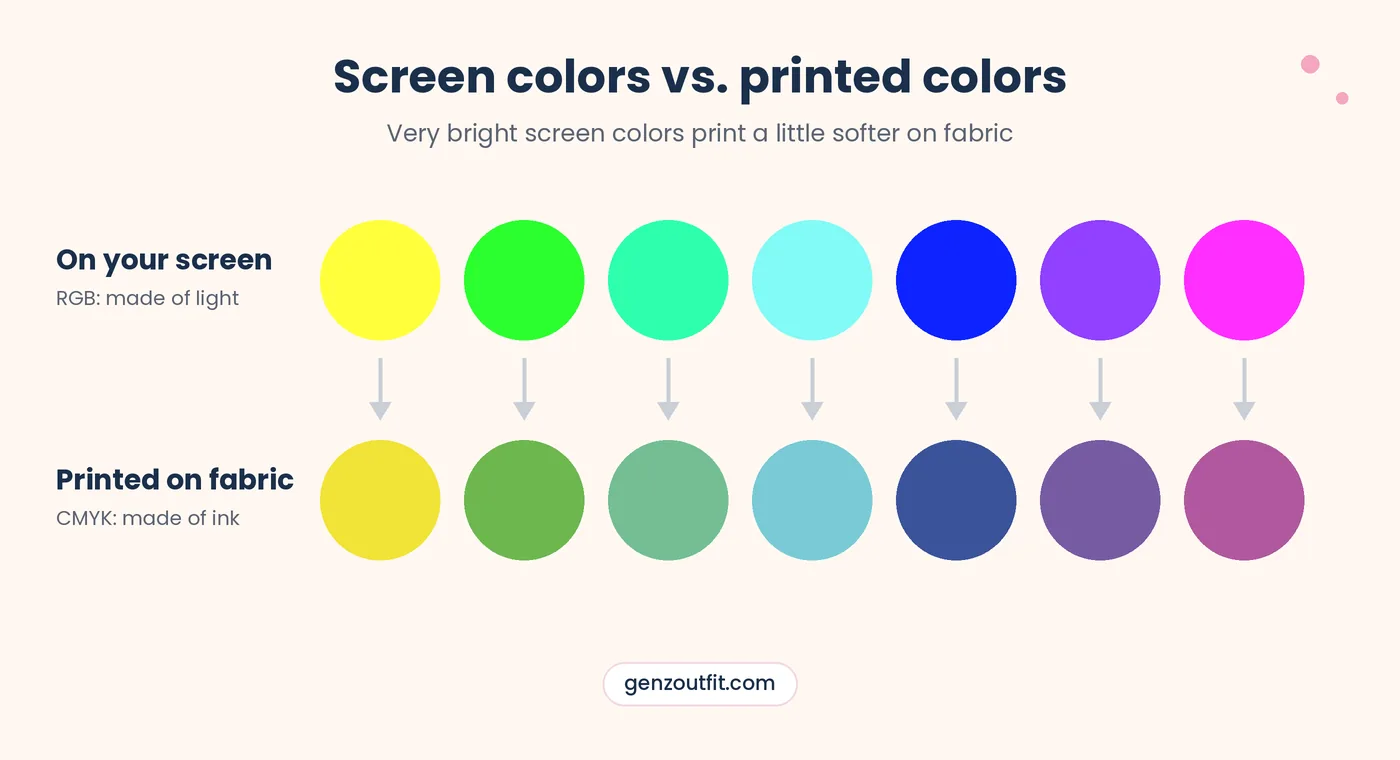
Screens also differ from one another. The same photo can look warmer on one phone and cooler on another, depending on its brightness, night mode and color settings. That’s why a small shift in shade between your screen and the fabric is normal for a printed item and isn’t a misprint.
- Pick a photo with natural colors. Heavy filters and boosted saturation are the first colors to shift on fabric.
- Expect rich, not glowing. Fur tones, backgrounds and pastel shades print closest to what you see; neon shades move the most.
- Clearly wrong colors are covered. If the colors on your item are clearly off compared with the photo you uploaded, email us photos within 14 days of delivery and we reprint it or refund you. See our returns and remake policy.
What happens after you upload your photo?
Our team crops your photo and places your pet on the design you chose. If the photo is too blurry, dark or low-resolution to print well, we email you before production and your order waits for your reply.
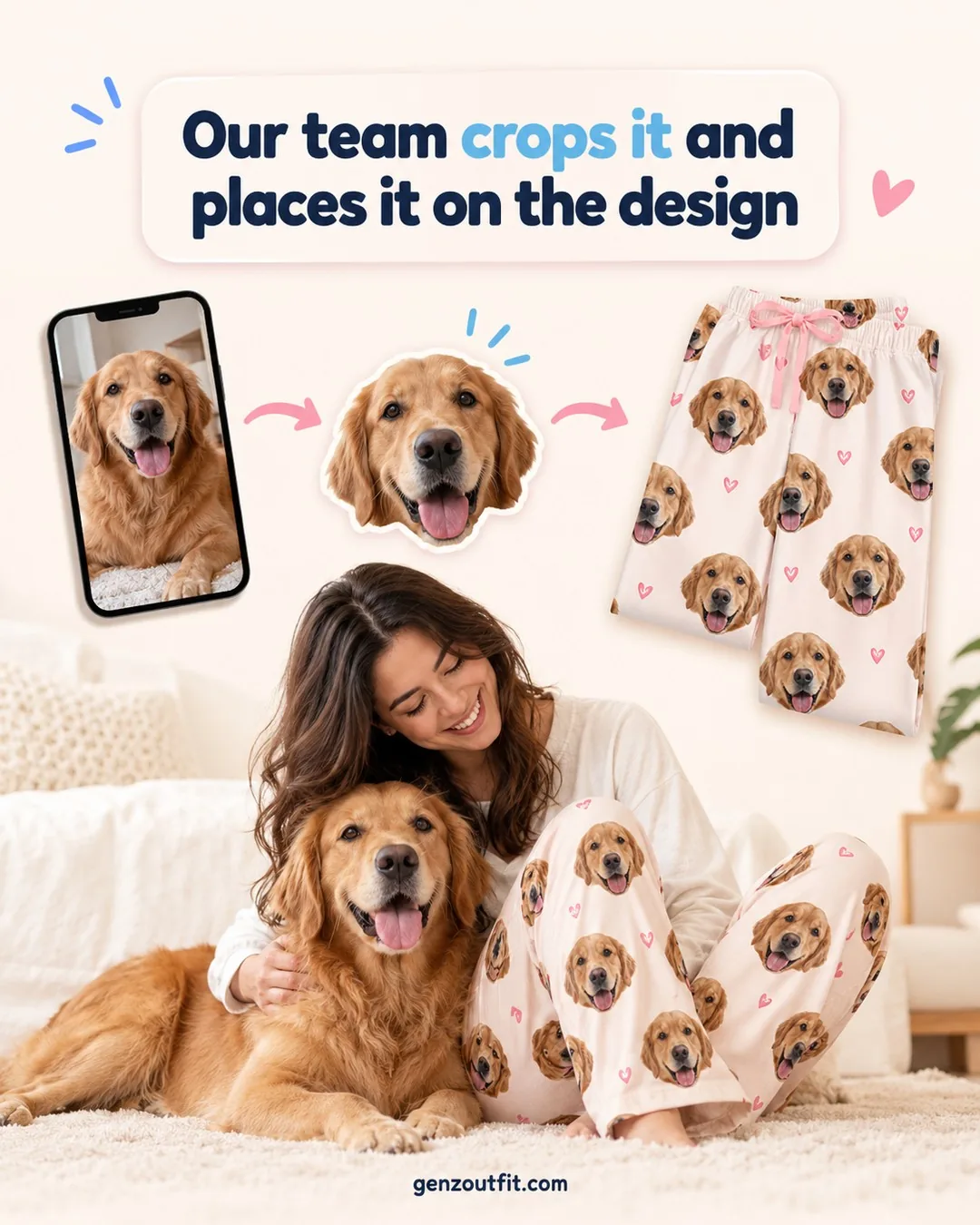
You can send a different photo, or ask us to go ahead with the one you uploaded. A photo printed at your request after we flagged it isn’t covered as a misprint; our returns and remake policy has the details. For the full order process, see how it works.
Getting the photo for a gift: what does each person need?
A photo for a pajama gift has one extra hurdle: you often need it without asking. These are the snags we hear about, person by person.
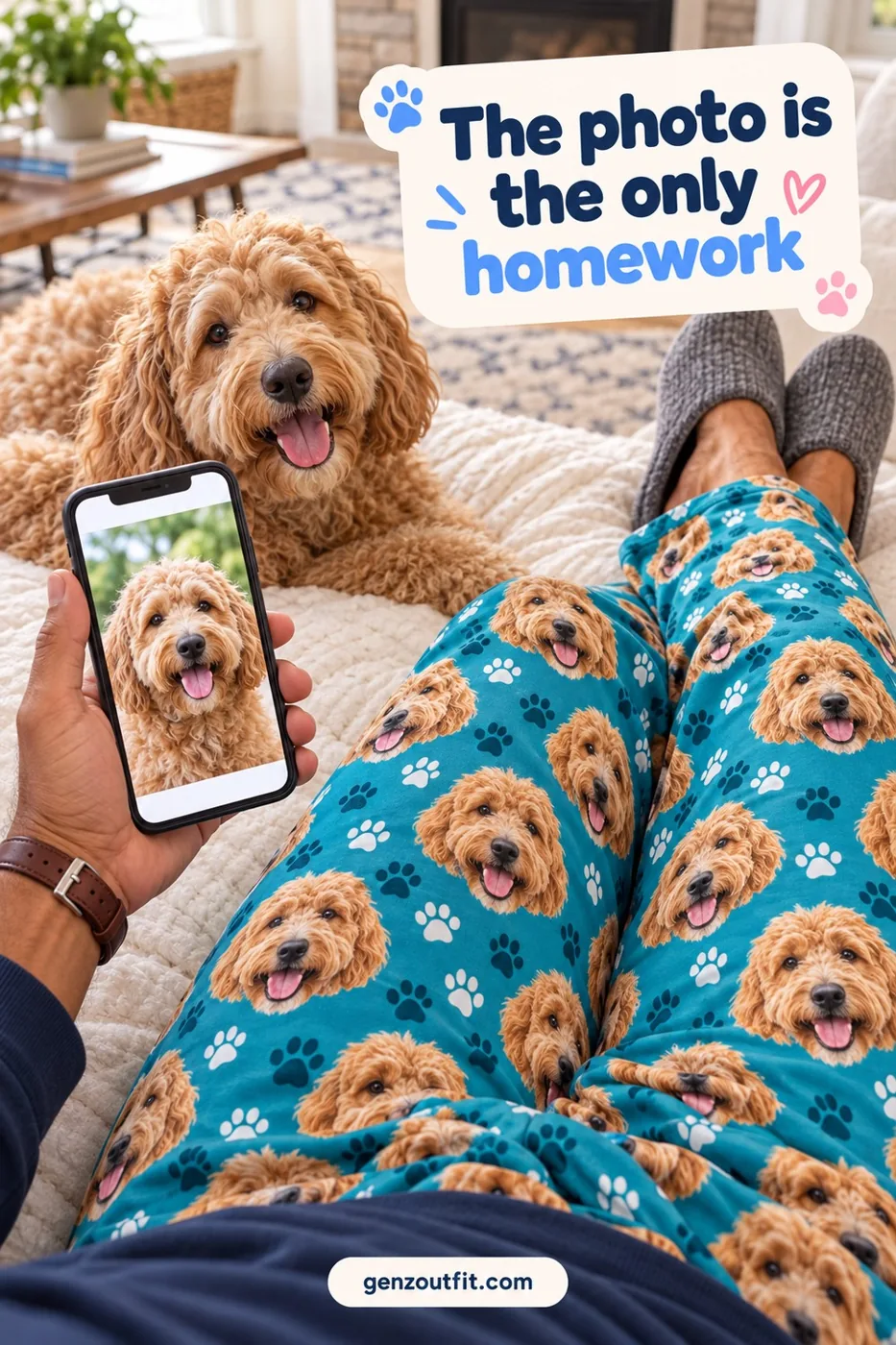
- Dog moms and cat moms: her camera roll is huge, and guessing her favorite is the hard part. Ask about the photo on her lock screen; it’s often the one she’d choose anyway.
- Dog dads and cat dads: if his photos are mostly action shots from across the park, they’re too far away for a face design. A close-up at eye level, taken on the couch, works better.
- Cat lovers: the cat won’t sit still, and the second you aim a lens it turns to the wall. Shoot a burst by a window while it’s drowsy, then keep the frame with both eyes open.
- Friends buying for a pet lover: a screenshot from their social feed looks fine on a phone but prints soft. Get the original file instead, from whoever lives with the pet.
- Families ordering matching pieces: photos of the same pet taken on different days can look mismatched side by side. Use one photo for every piece, so each one shows the same face.
- Couples sharing one dog: you each have a favorite photo and can’t decide. Pick the sharper one, since both pairs of pajamas come from that single file.
- A gift for grandparents: the best grand-dog photo often sits on a relative’s phone, far from you. Ask them to email the original instead of forwarding it through a chat app, which shrinks it.
- Owners of a new puppy or kitten: young pets grow up quickly and rarely hold a pose. Photograph them right after a nap or a meal, when they move less, and take plenty of frames.
- Holiday gift shoppers: a last-minute photo hunt in December adds stress you don’t need. Pick and save the photo weeks ahead, then order early for the holidays.
- Someone remembering a pet who has passed away: the photos left may be old, small or blurry. Choose for expression first, then search cloud backups for the biggest copy of that picture.
- A pack of two dogs, or a dog plus a cat: group shots rarely show every face clearly, so one pet gets left out. Give each pet a solo photo, taken in one spot under the same light.
- Buying for yourself: no occasion needed, and no reason to settle for a blurry favorite either. Take a fresh photo this weekend; you know exactly where your pet naps.
Ordering for the family? Mix any styles and sizes: one for you, one for them. Your cart always shows the final price.
- 2 items: 15% off, added automatically in your cart
- 3 or more items: 20% off, added automatically in your cart
- Free shipping from 2 items
- Just one? Code PETPJ20 takes 20% off at checkout
- Problem with your order? If it arrives damaged, misprinted or wrong, email us photos within 14 days of delivery and we reprint it or refund you
Pet photo guide FAQ
Can I upload a photo with a person in it?
Yes, as long as your pet’s whole head is in the photo and nothing covers the face. Our team crops your pet out of the picture.
Can you fix a missing ear or remove a leash?
No. We crop and place your photo, but we don’t redraw parts that aren’t there or paint over things in front of the face. Choose a photo where your pet’s head is complete and clear.
Will I see a proof before my item is printed?
Not on every order. If your photo is too blurry, dark or low-resolution to print well, we email you before production so you can decide what to do.
Why do the colors on my item look softer than on my screen?
Screens show color with light and fabric shows it with ink, so very bright shades print a little softer. A small difference in shade is normal; colors that are clearly off compared with your photo count as a misprint, and we reprint or refund.
Can I use a photo someone else took?
Use a photo you took, or one the photographer has said you can use.
Does the photo work for cats too?
Yes. Every personalized product works with a cat photo, and the same checklist applies. Cats often look away, so a burst of shots near a window gives you the best chance of catching both eyes.
I’m not sure my photo is good enough. What should I do?
Upload the best one you have. If it can’t print well, we email you before production, and you can send another photo then.
Ready to see your pet on it? Browse our personalized pet gifts.
Have a clear photo of your pet? Pick a product and upload it on the product page.