Pet Gift Guides
How to Photograph Pets Indoors for a Photo Gift That Prints Well
Your pet looks adorable on screen, so why does the print look fuzzy?
Here’s how to photograph pets indoors: put your pet near a window, turn off the flash, get down to eye level and tap to focus on the eyes. Take lots of shots and keep the sharpest one. This guide covers 12 tips for dogs, cats and puppies, plus how to check that a photo will print well on a custom pet gift.
Got a shot you love already? See how personalization works, or upload it on a pajama page and our team checks it before printing.
What makes a pet photo print well?
A photo that looks fine on a phone screen can look soft once it’s printed large on a blanket or a pair of pajama pants. Printing needs more detail than scrolling, because a phone screen hides the softness that a large print shows. When we place a pet’s face on a design, five things matter most.
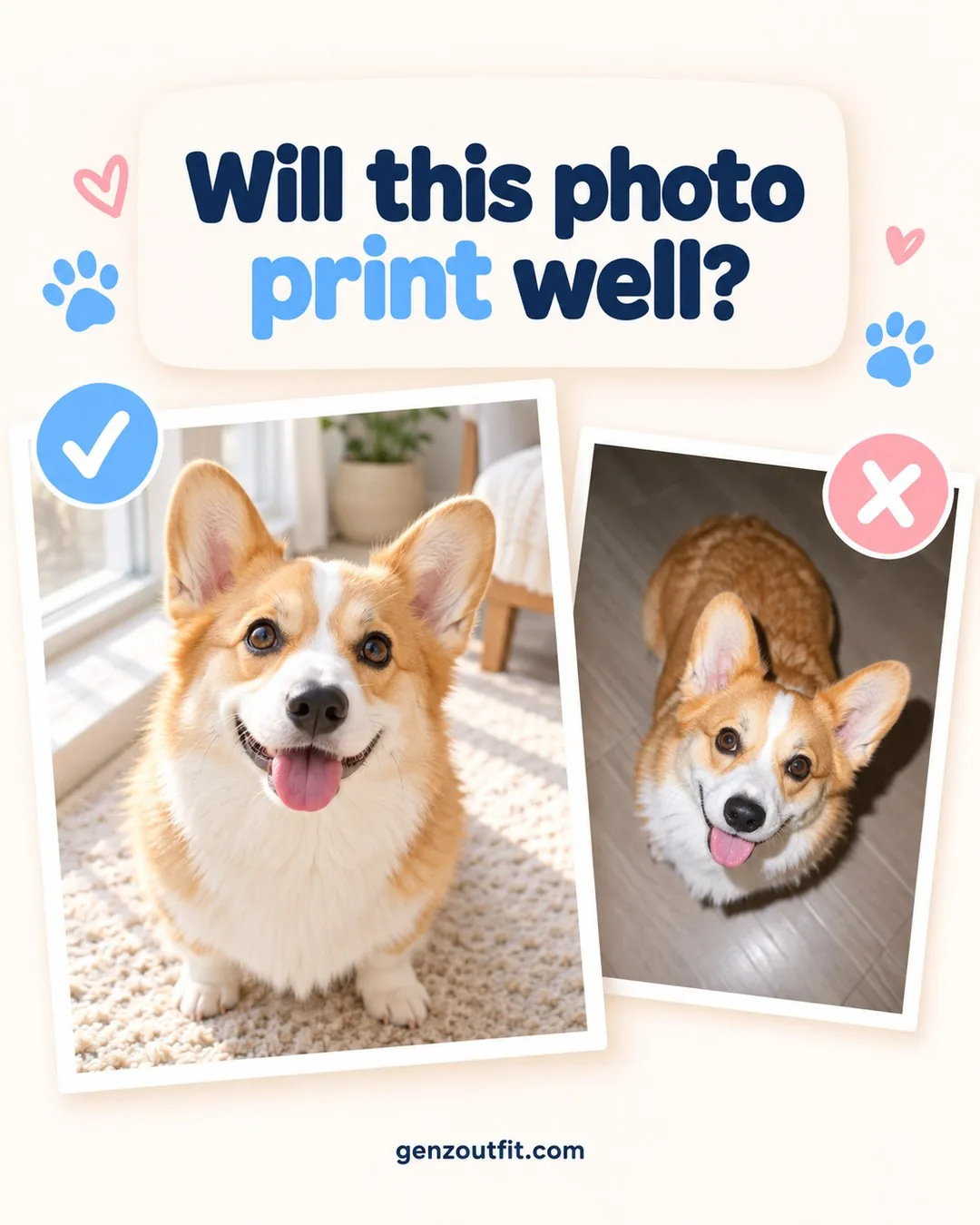
- The face is in sharp focus. The eyes and nose should be crisp when you zoom in.
- The face is big in the frame. A close-up beats a full-body shot from across the room.
- The light is even. Soft daylight shows fur color and detail. Harsh shadows and dark rooms hide them.
- It’s the original file. Screenshots and photos saved from social apps are often compressed, which means fine fur detail is gone before printing starts.
- No heavy filters. Filters and stickers change fur color and can cover ears or whiskers.
If you get those five right, the photo will almost always work. You don’t need a fancy camera. A recent phone is plenty for pet photography at home.
How to photograph pets indoors: 12 tips
Most of us take pet photos inside, often at night, under yellow lamps. These pet photography tips fix the most common problems.
- Use window light. Move your pet, or wait for them to settle, near a bright window during the day.
- Turn off the flash. Flash flattens fur and can make eyes glow green or red. Window light works better because it falls across the face instead of bouncing straight back off the eyes.
- Avoid direct sun. Bright sun patches cause harsh shadows. Indirect light is softer.
- Get down to their level. Kneel or lie on the floor so the camera is at eye height.
- Tap to focus on the eyes. On a phone, tap the eyes on screen before you shoot.
- Use burst mode. Hold the shutter to take a quick series, then keep the sharpest frame.
- Clean your lens. A smudged phone lens makes every photo look hazy.
- Don’t zoom in digitally. Move closer instead. Digital zoom only crops the picture, so the detail a print needs is simply thrown away.
- Keep the background simple. A plain wall, couch or blanket keeps attention on the face.
- Get their attention. A crinkle, a squeak or a soft click just before you shoot brings the ears forward.
- Shoot when they’re calm. After a walk or a meal, most pets hold still longer.
- Be careful with portrait mode. It can blur the edges of ears and fur. Check the outline before you use the photo.
How to photograph dogs
Dogs usually want to come to you, which is the hard part. A few tips on photographing dogs:
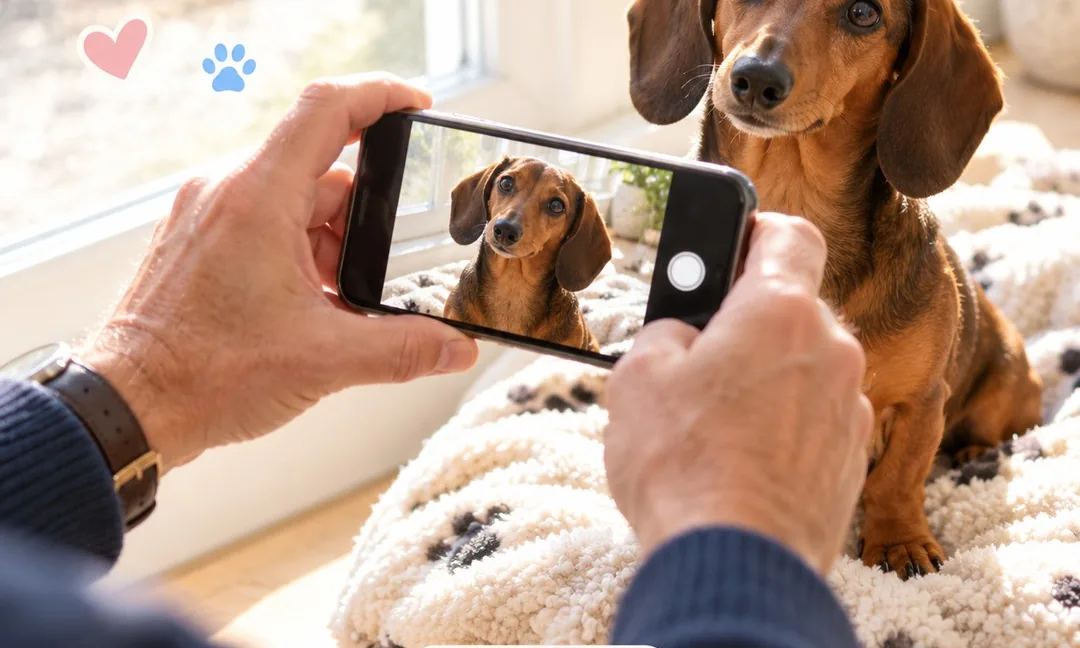
- Ask them to sit or lie down, then reward them after the shot, not before.
- Hold a treat just above the camera so they look toward the lens.
- Have a helper stand behind you and call their name.
- For dark-coated dogs, use the brightest window you have. Black fur needs more light to show detail.
How to photograph cats
Cats rarely pose on request, so work with their routine instead.
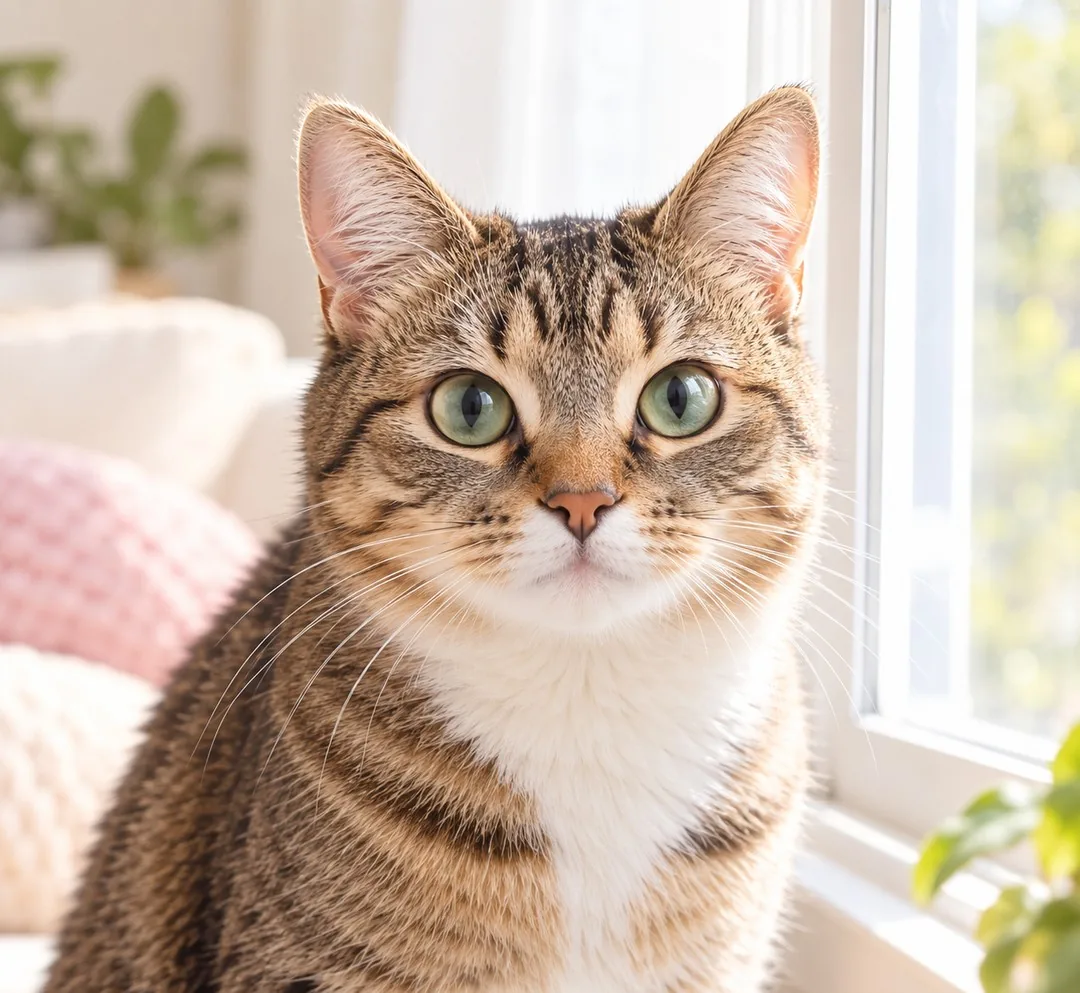
- Catch them in a favorite sunny spot, or right after they wake up.
- Bring the camera to them. Don’t carry a cat to “the good light.”
- Dangle a toy just above the lens to get eye contact.
- Be patient. Ten quiet minutes nearby often gets the shot.
How to take pictures of puppies (and other wiggly pets)
Puppies and kittens almost never stay still. Wait until they’re sleepy, sit on the floor with them, and use burst mode. A sleepy puppy curled on a blanket often gives you a clear face with the eyes open for a second or two. Take more photos than you think you need. Out of 30, two or three may be sharp enough to print.
Pet photography ideas for a photo gift
If the photo is for a gift, think about which version of the pet the person loves most.
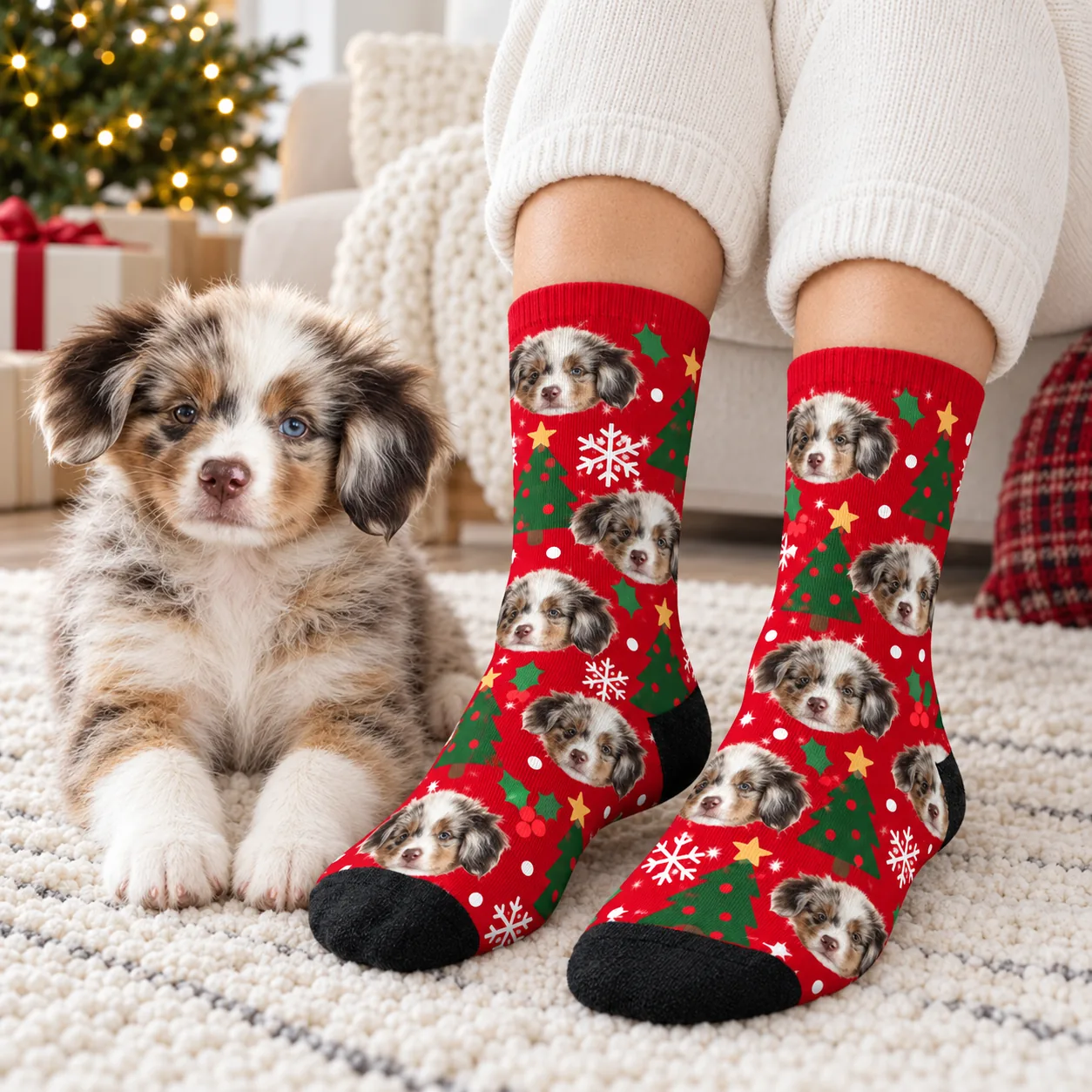
- The classic head-on face: best for pajama pants and socks, where the face repeats across the print.
- A favorite expression: the head tilt, the tongue out, the funny sleepy squint.
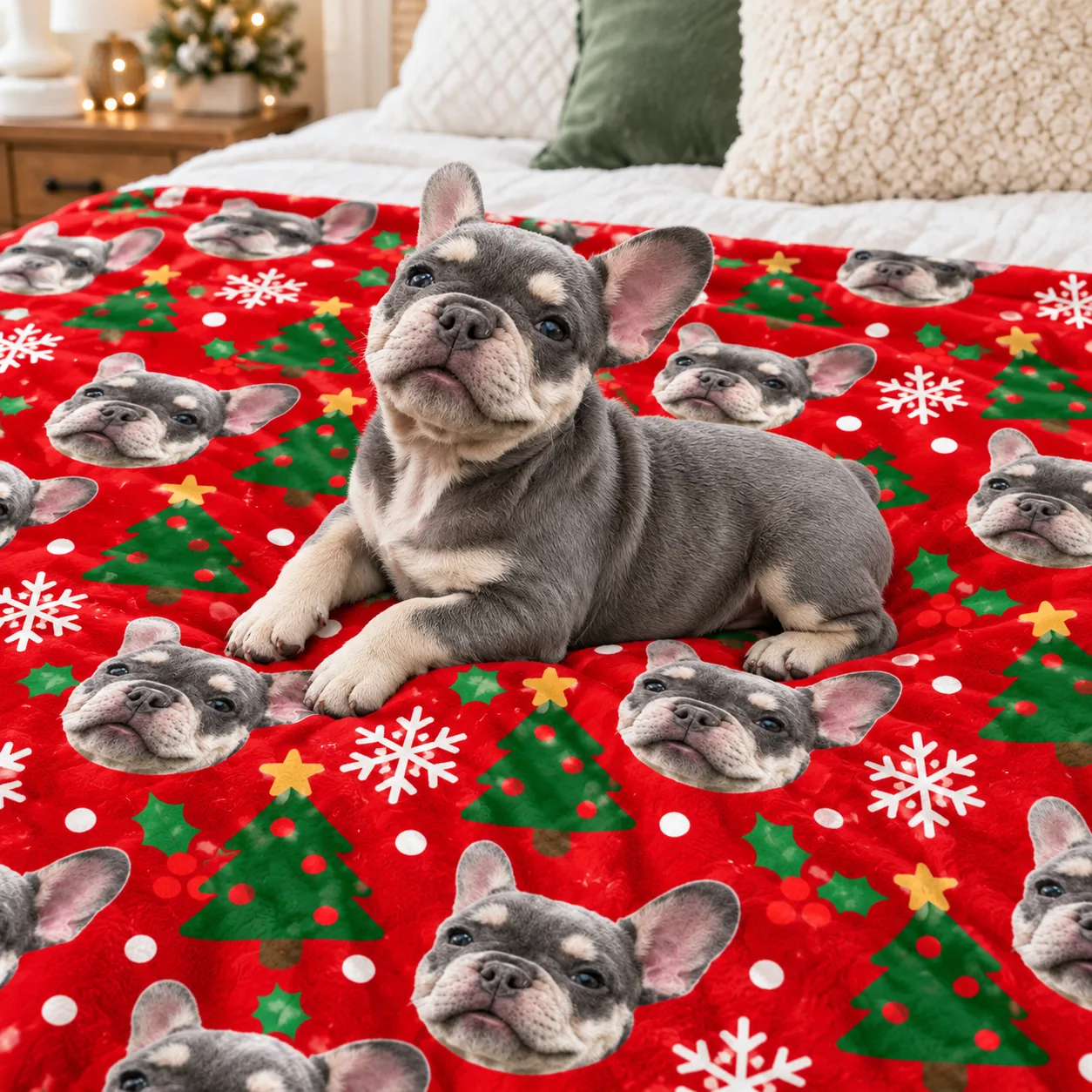
- A seasonal photo: taken in December for a Christmas gift, or by the window on a fall day.
- A photo of a pet who has died: choose the clearest one you have, even if it isn’t recent.
The head-on face matters most for a pajama gift or a pair of socks, since the print repeats it many times. A photo blanket gift is more forgiving about pose, but it is also the largest print, so sharpness counts there.
Who are you photographing for? Gift photo tips by person
Every gift photo runs into a different snag depending on who it is for. Here is the fix for each.
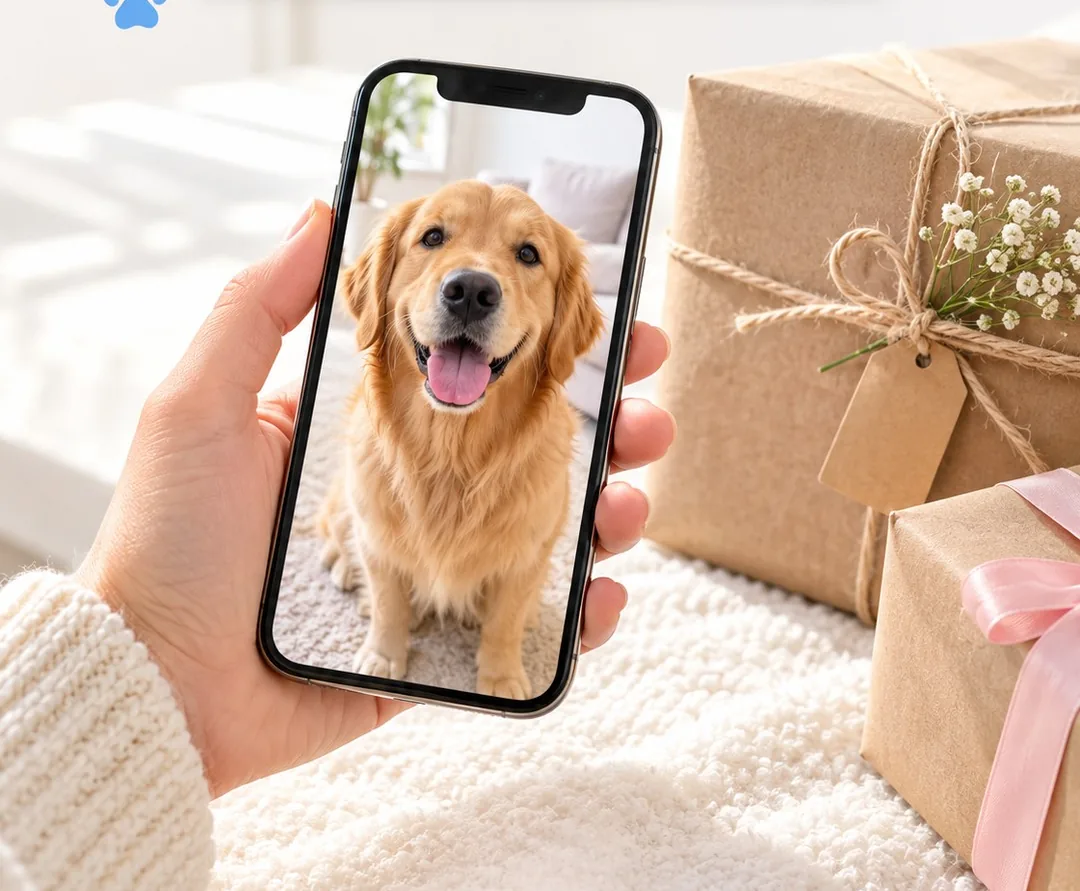
- A dog mom or cat mom: the pictures you can reach are screenshots from her feed, which print soft. Ask her household for the original file so her pet’s markings come through.
- A dog dad: his camera roll is full of blurry action shots from the park. Wait until the dog flops down after a walk; one calm, eye-level close-up is all a print needs.
- A cat person: their cat won’t sit still once the phone comes out. Shoot from across the room while the cat dozes by a window, then step closer a little at a time.
- A friend or coworker you’re surprising: asking for a photo might spoil the gift, so you hesitate. A roommate can send one quietly, and our team emails you if it is too small to print.
- A family ordering matching pajamas: everyone sends a different photo, and the faces don’t match in size. Agree on one sharp, head-on shot and upload it to every pair.
- Couples who share a pet: the best photo of the dog is on one phone and the backup on the other, so you end up guessing. Compare both zoomed in on the eyes and keep the sharper original.
- Grandparents who miss the grand-dog: they mostly see the pet on video calls, which make poor prints. Take a few window-light close-ups at your next visit instead of grabbing a frame from a call.
- New puppy and kitten owners: that tiny face grows up in weeks, and wiggly pets rarely hold still. Use burst mode on a sleepy afternoon and save the best frame now.
- Holiday shoppers: hunting for a photo in December adds stress, since a blurry upload means a swap and lost days. Take the gift photo in daylight before the decorations go up, and order early.
- Someone making a memorial gift: the only pictures may be old or a little soft, and you may worry they aren’t good enough. Pick the clearest face you have; if it won’t print well, we email you before production instead of printing it anyway.
- Homes with two dogs and a cat: getting every pet into one frame is a struggle. You don’t need to: choose the number of pets and upload one photo of each, taken in the same spot and light.
- Yourself: it’s easy to hesitate over a photo shoot for your own pet, yet that is the picture you’ll love on your own pajamas. Treat yourself to ten quiet minutes by the window, just because.
How do you check a photo before you upload it?
Before you upload, open the photo and zoom in on the face. If the eyes are sharp and you can see individual hairs around the nose, it should print well. Check that the ears aren’t cut off at the edge of the frame. Send the original from your camera roll, not a screenshot or a cropped copy. You don’t need to remove the background or crop it yourself.
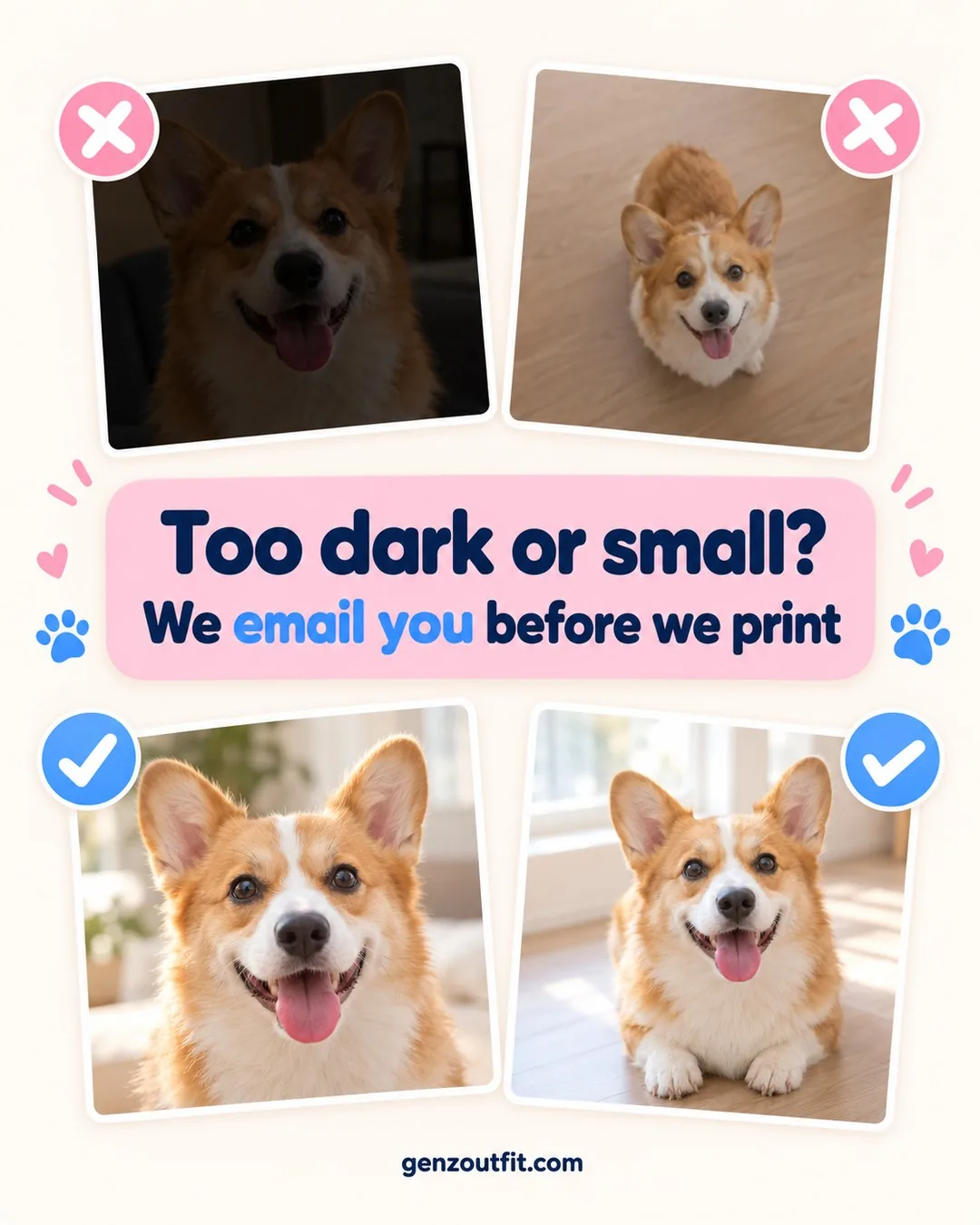
Which photo works best on each product?
The same photo can work on any of our products, but each one shows the face a little differently.
| Product | How the photo is used | Best photo |
|---|---|---|
| Pajama pants and pajama sets | The face repeats across an all-over print | A head-on face with both ears in the frame |
| Crew socks | The face repeats down the leg and foot | A clear, close face with good contrast against the fur |
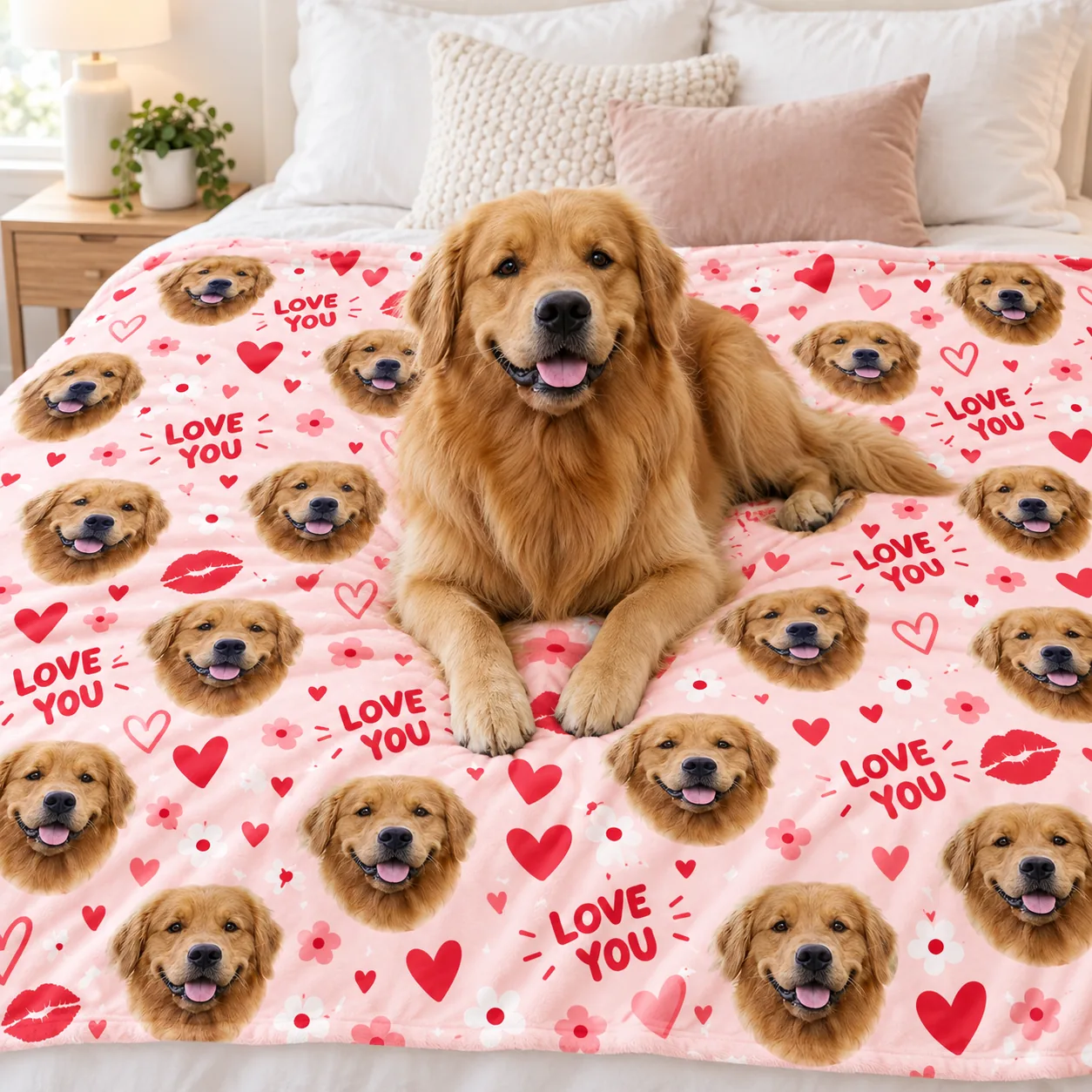
| Photo blankets | The face is printed on the front of the blanket | Your sharpest photo, since a blanket is the largest print |
If your pet has a distinctive marking, such as a white blaze or one floppy ear, choose a photo that shows it clearly. Those details are what make the print look like your pet and not just any dog or cat.
What happens after you upload?
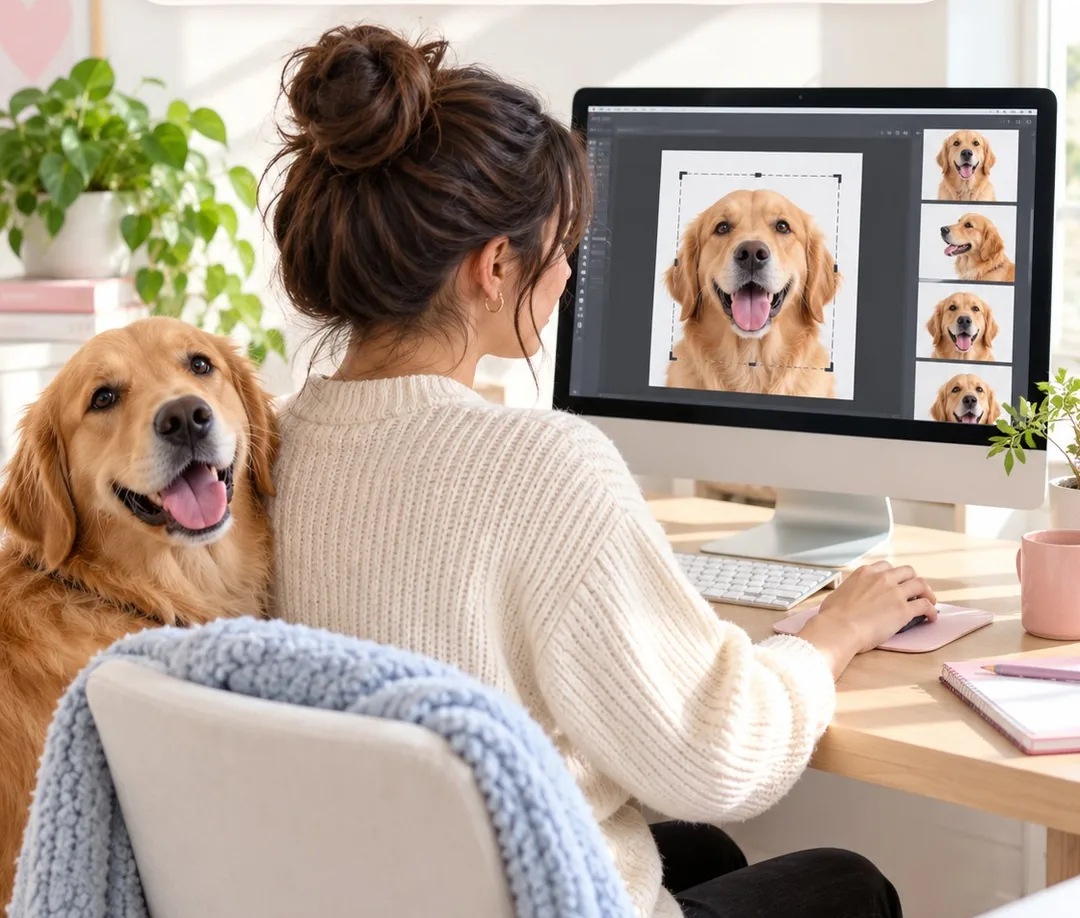
At GenzOutfit, you upload the photo on the product page. Our team crops it and places your pet’s face on the design. If a photo is too blurry, dark or low-resolution to print well, we email you before production so you can send a better one. If you’re ordering for more than one pet, choose the number of pets in the options and upload one clear photo of each. You can read the full process on our how it works page.
Ordering several pieces from the same photo, or one for you and one as a keepsake for someone else? These offers are live in the store now.
Ordering for the family? Mix any styles and sizes: one for you, one for them. Your cart always shows the final price.
- 2 items: 15% off, added automatically in your cart
- 3 or more items: 20% off, added automatically in your cart
- Free shipping from 2 items
- Just one? Code PETPJ20 takes 20% off at checkout
- Problem with your order? If it arrives damaged, misprinted or wrong, email us photos within 14 days of delivery and we reprint it or refund you
Ready to use your photo? Browse our custom pet face pajamas, photo blankets and pet face socks.
Frequently asked questions
Can I use a photo from my phone?
Yes. A recent phone photo is usually all you need, as long as the face is sharp, well lit and fills much of the frame.
Should I use portrait mode?
You can, but check the edges. Portrait mode sometimes blurs ears and fur, which shows up on a large print.
Can I use an old photo of a pet who has died?
Yes. Pick the clearest one you have. If it’s too blurry or low-resolution to print well, we’ll email you before production.
Do I need to remove the background?
No. Upload the original photo and our team crops it and places the face on the design.
How do I take a good photo of a black dog or cat?
Use the brightest indirect daylight you have, keep the flash off, and make sure the eyes are in focus. Dark fur needs more light to show detail.
Can I take a good pet photo indoors at night?
Daylight works better, so wait for it if you can. Indoor pet photos taken at night under yellow lamps often look dark or soft once they are printed large. Flash flattens fur and can make eyes glow, so set your pet near a bright window during the day instead. If your favorite shot was taken at night, upload it anyway. If it is too dark or blurry to print well, we email you before production.
Have a clear photo of the pet? Pick a product and upload it on the product page.
